
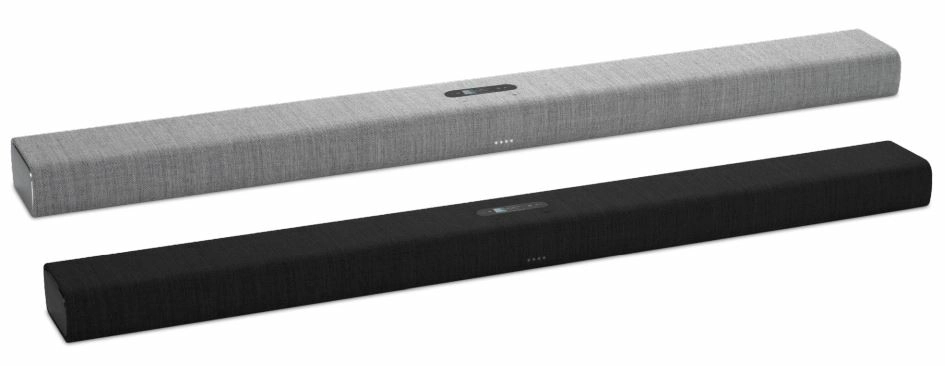
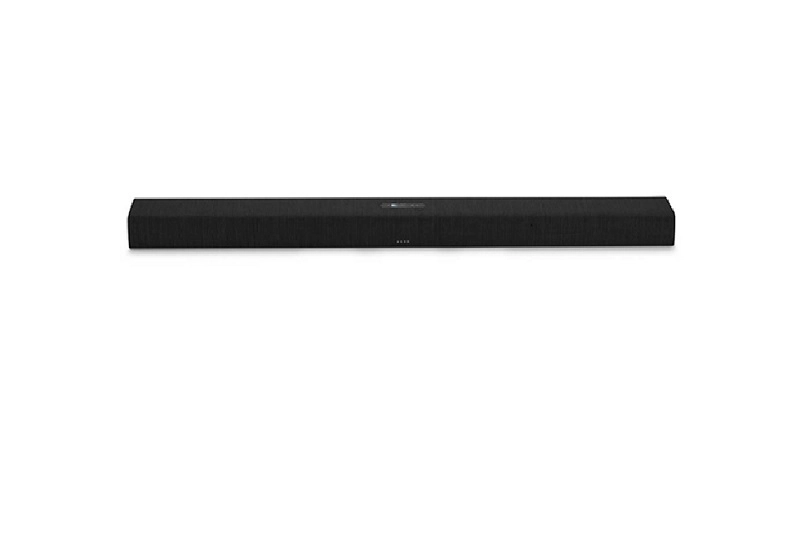
Overview of the Harman Kardon Citation Bar
Design
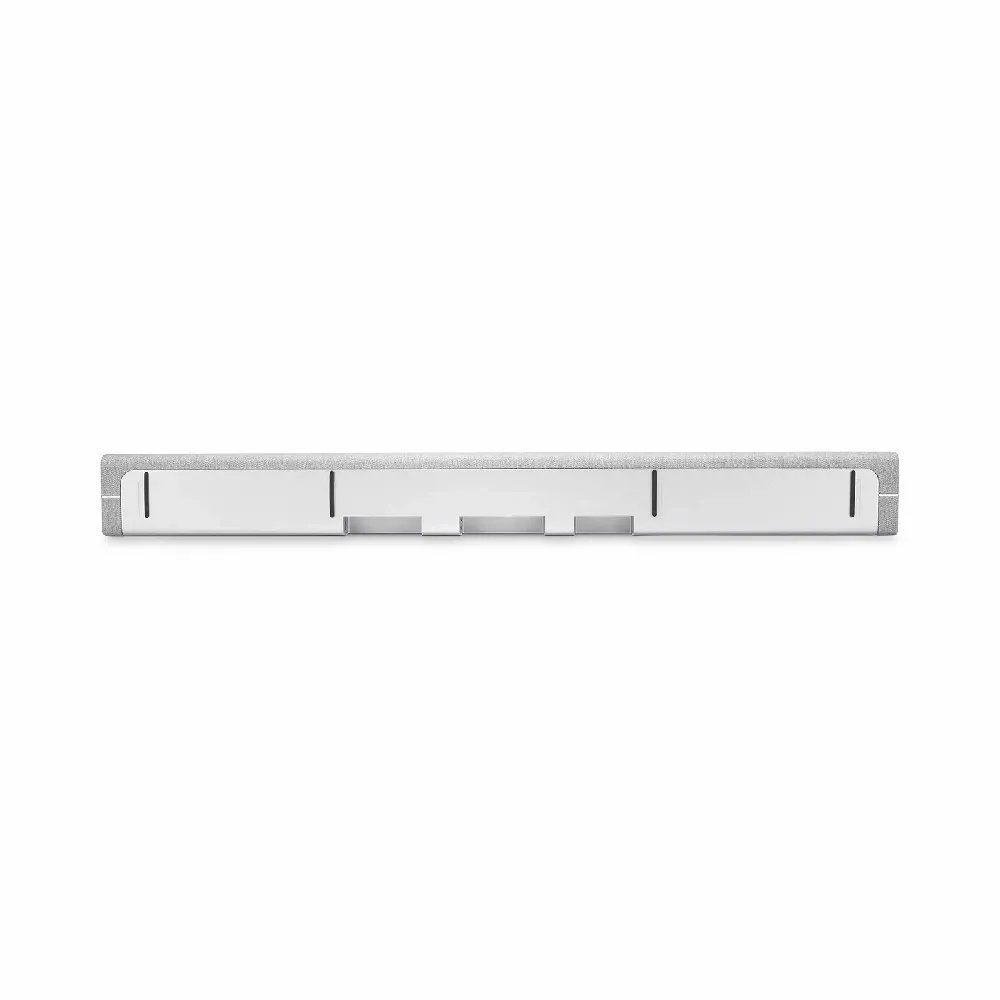
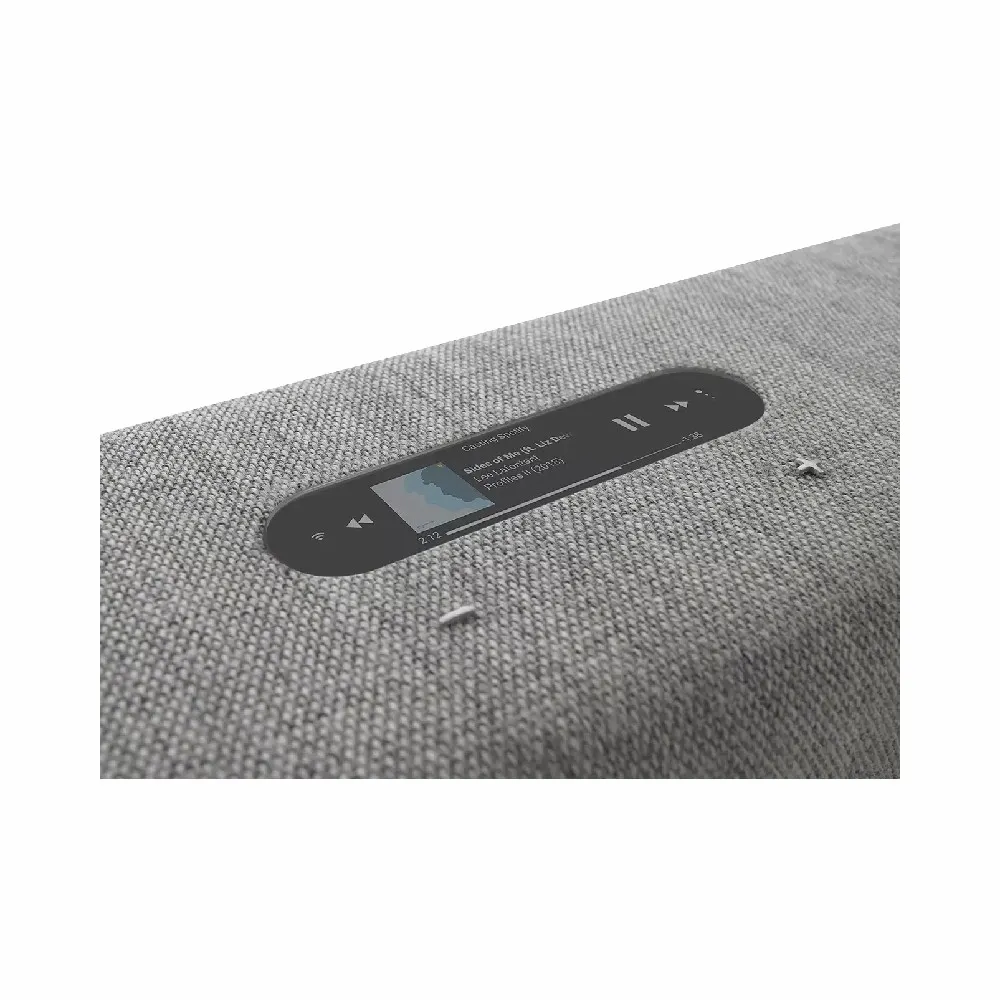
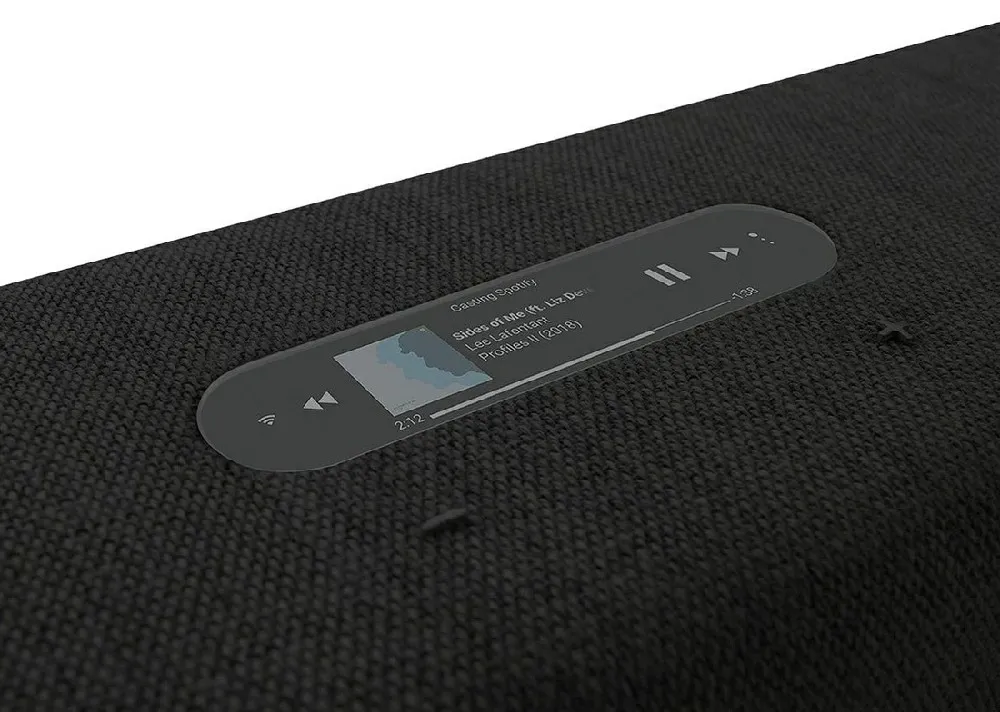
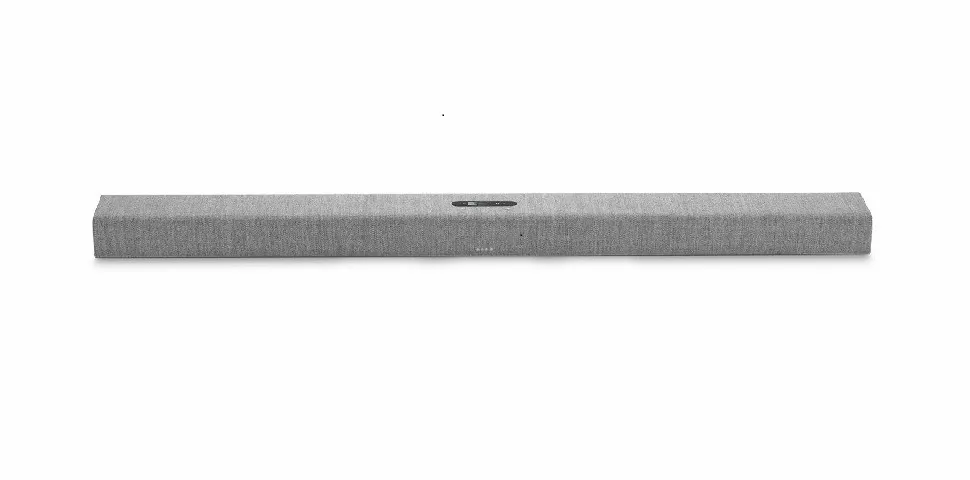
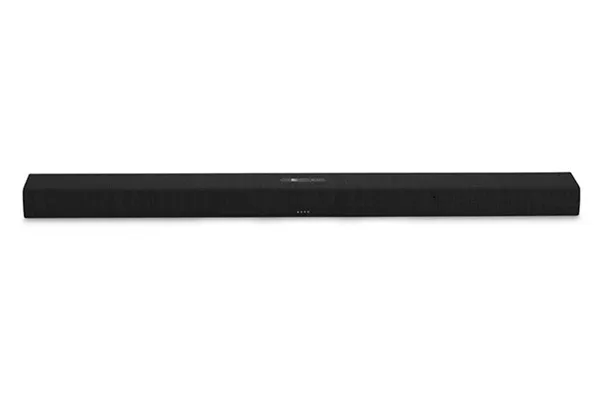
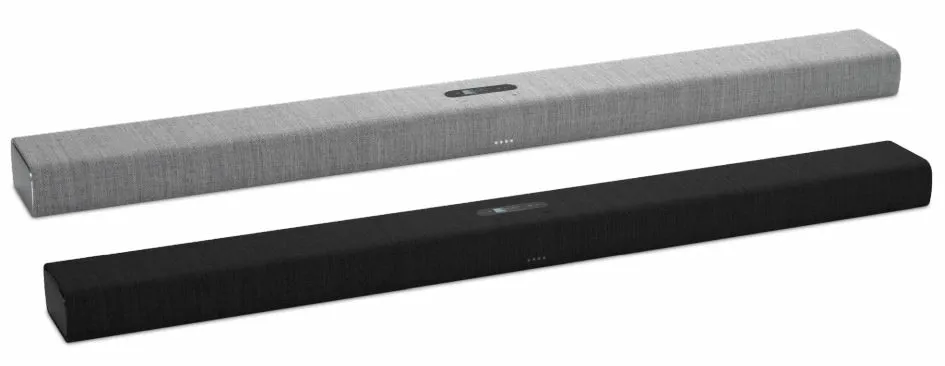
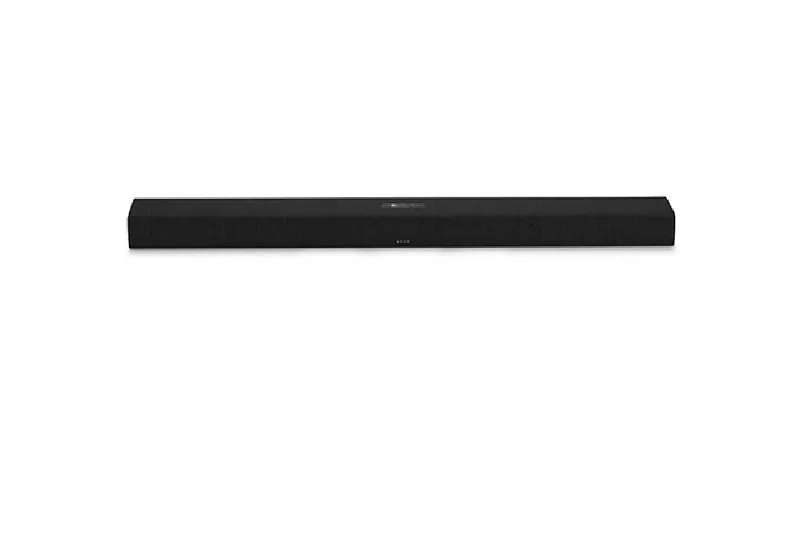
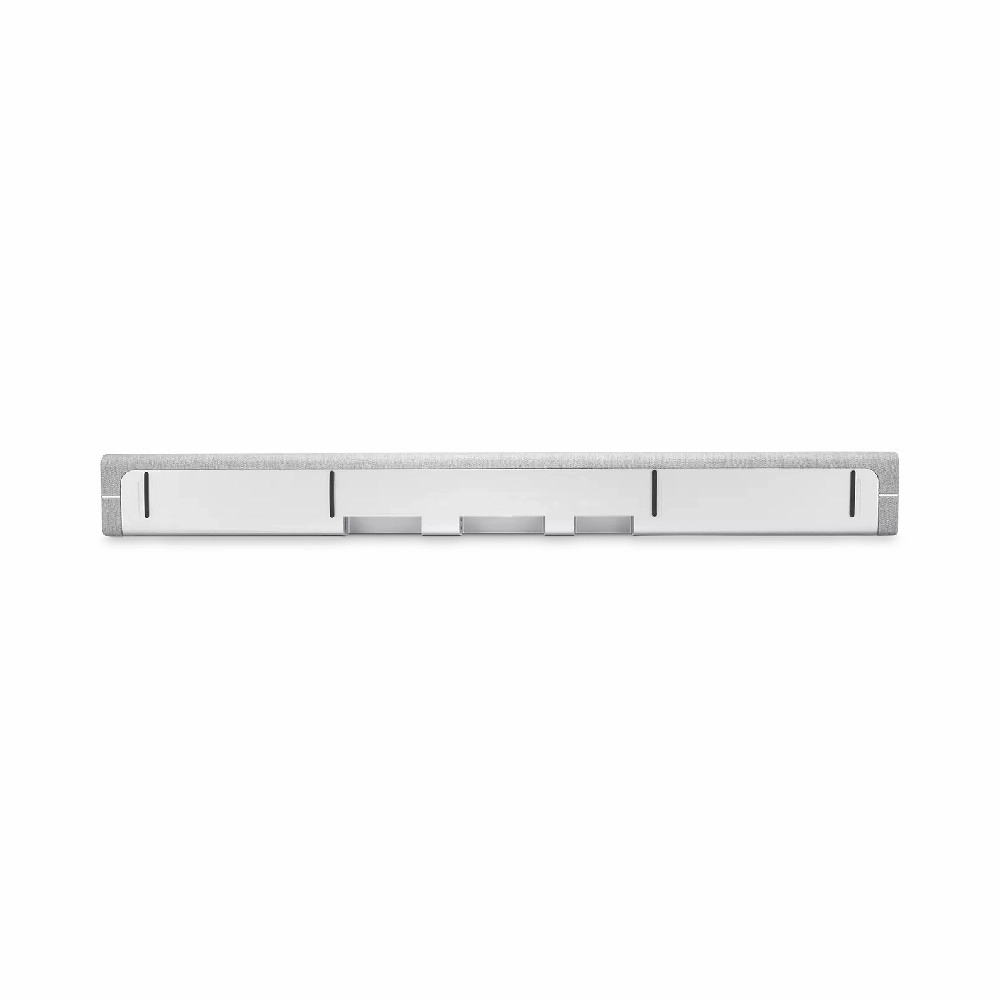
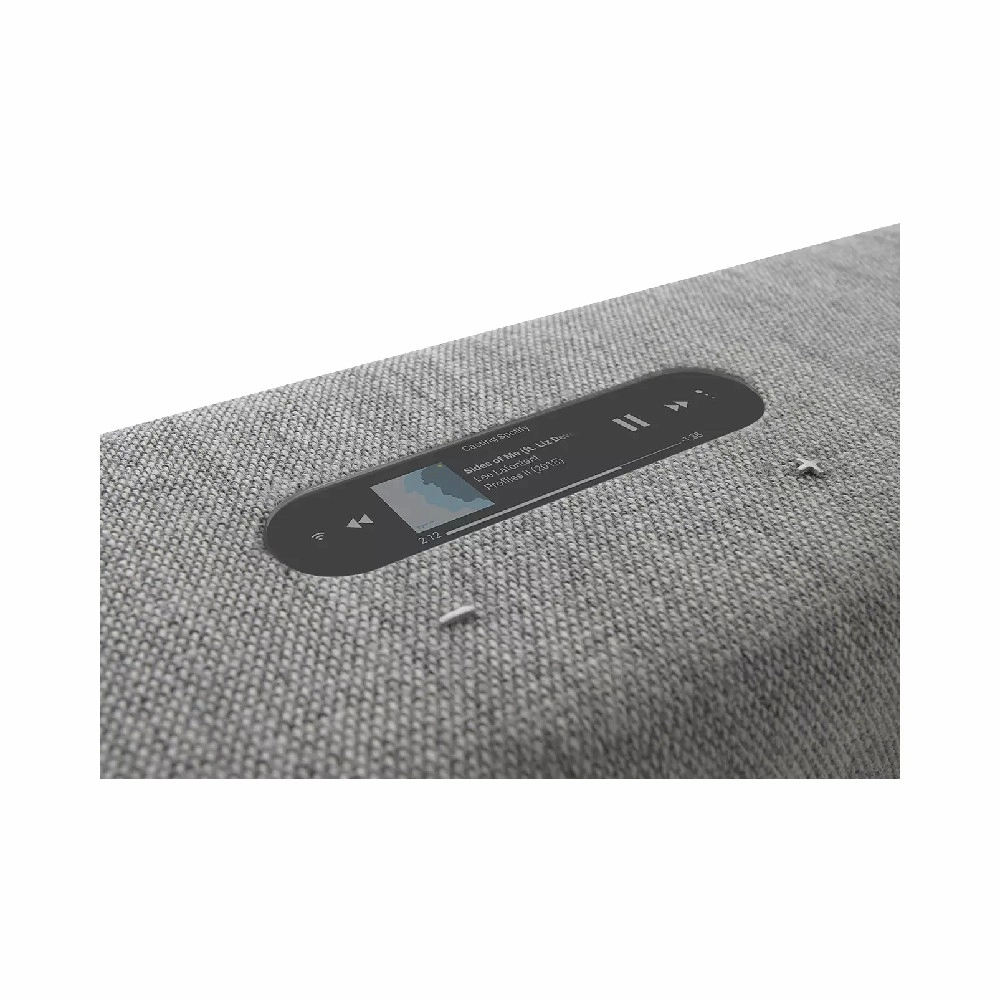
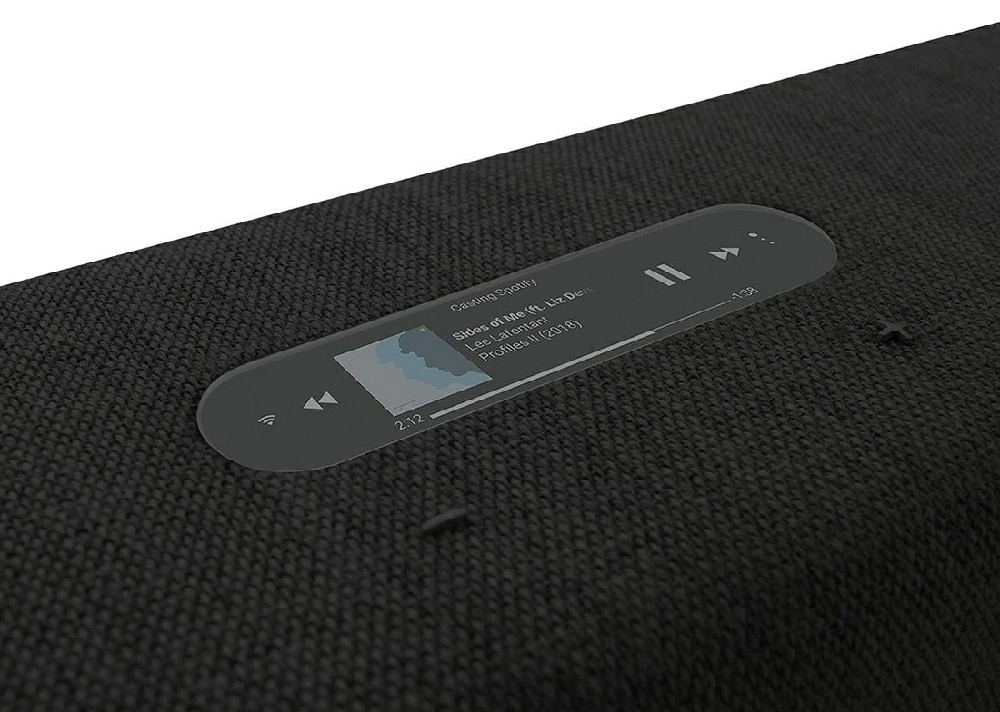
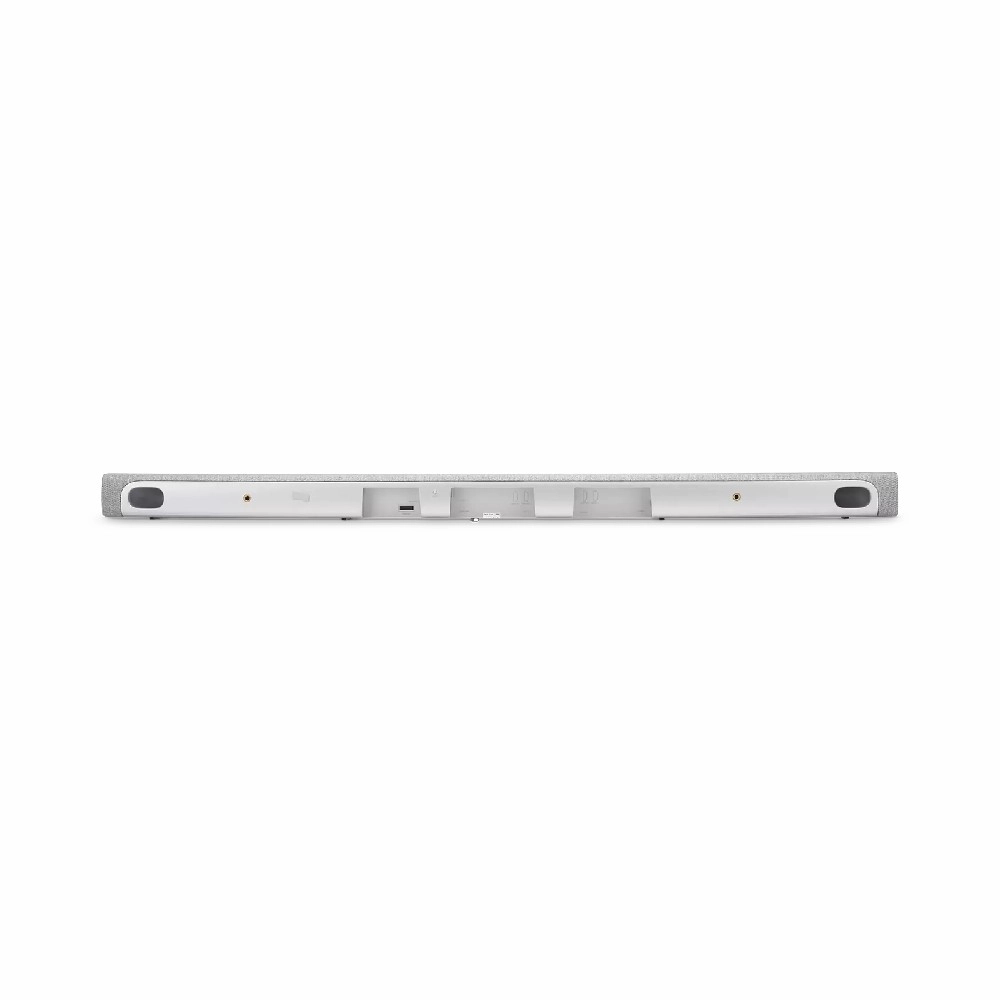
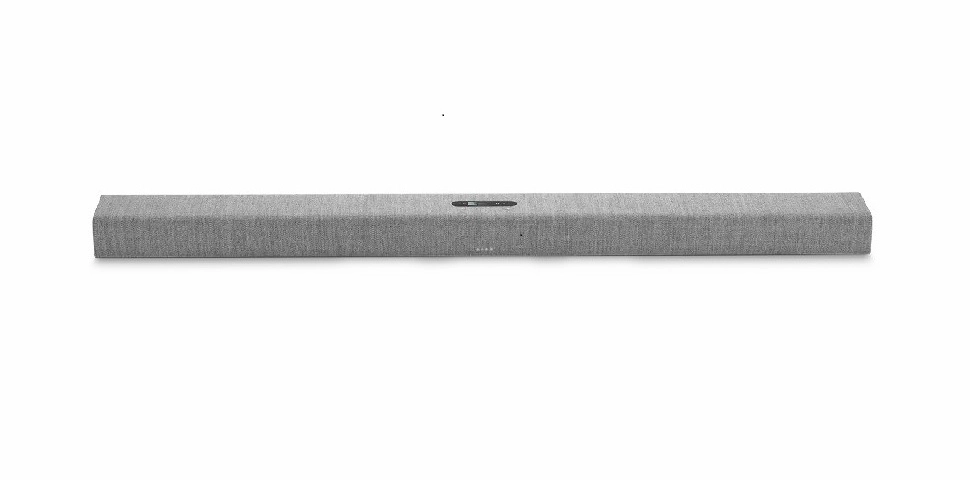
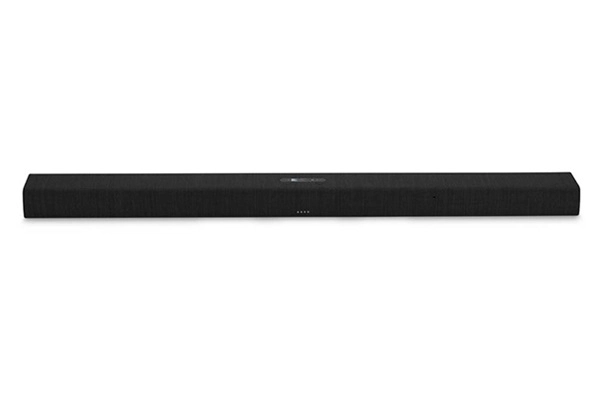
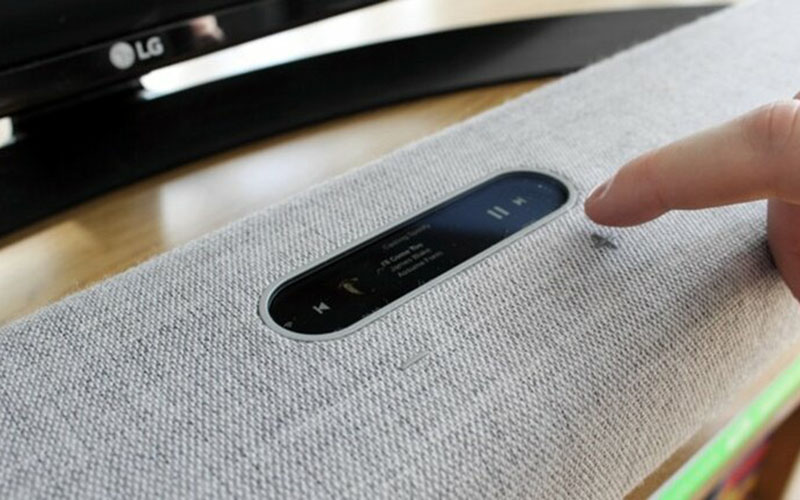
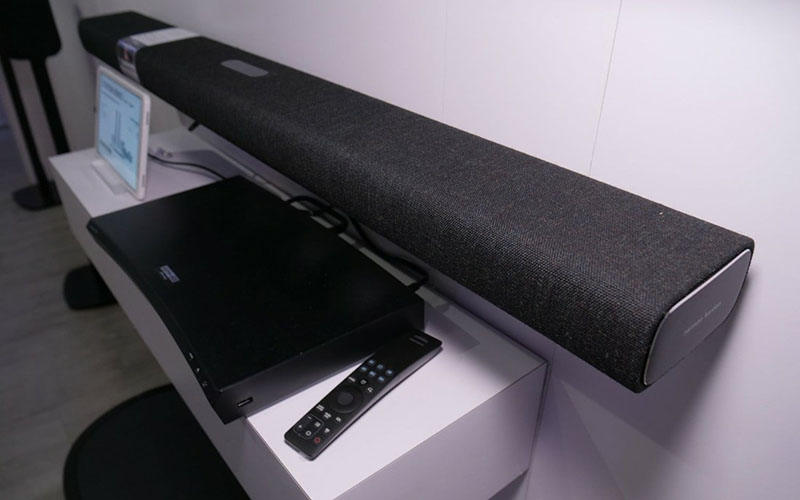
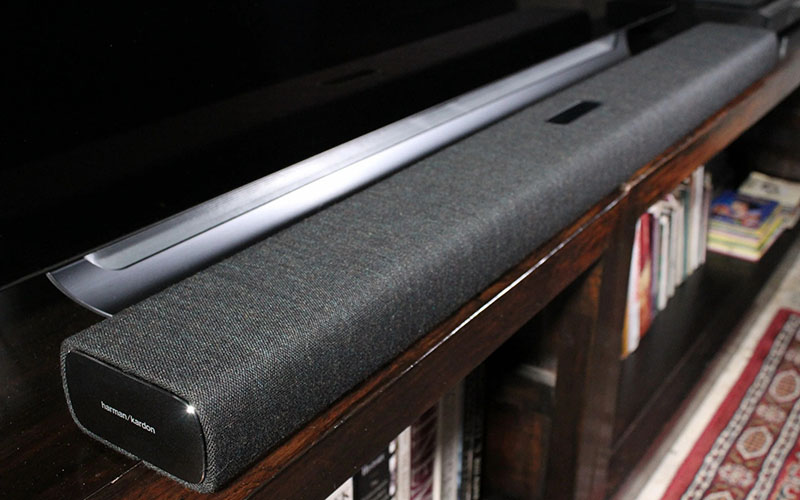
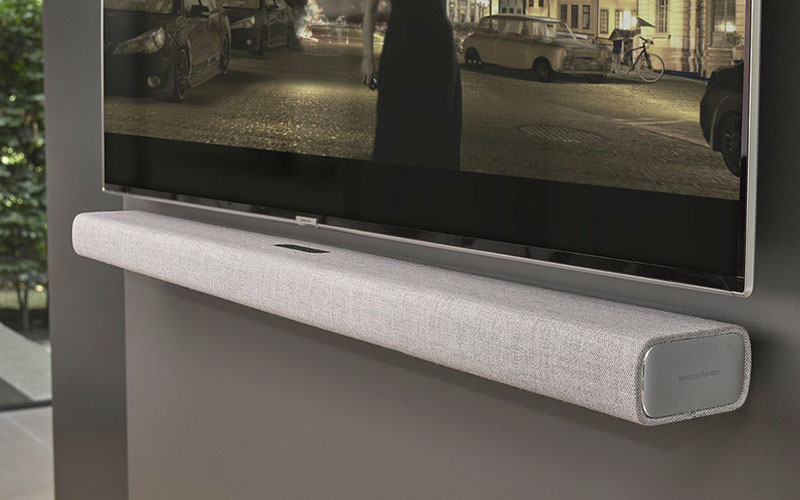
The Harman Kardon Citation Bar boasts an elegant, modern design featuring a premium wool fabric finish and a glass touch-control panel, bringing a sophisticated and luxurious aesthetic to any space. Easy to install, its sleek, elongated design fits perfectly in smaller spaces and is optimized for placement underneath a TV.
Sound Quality
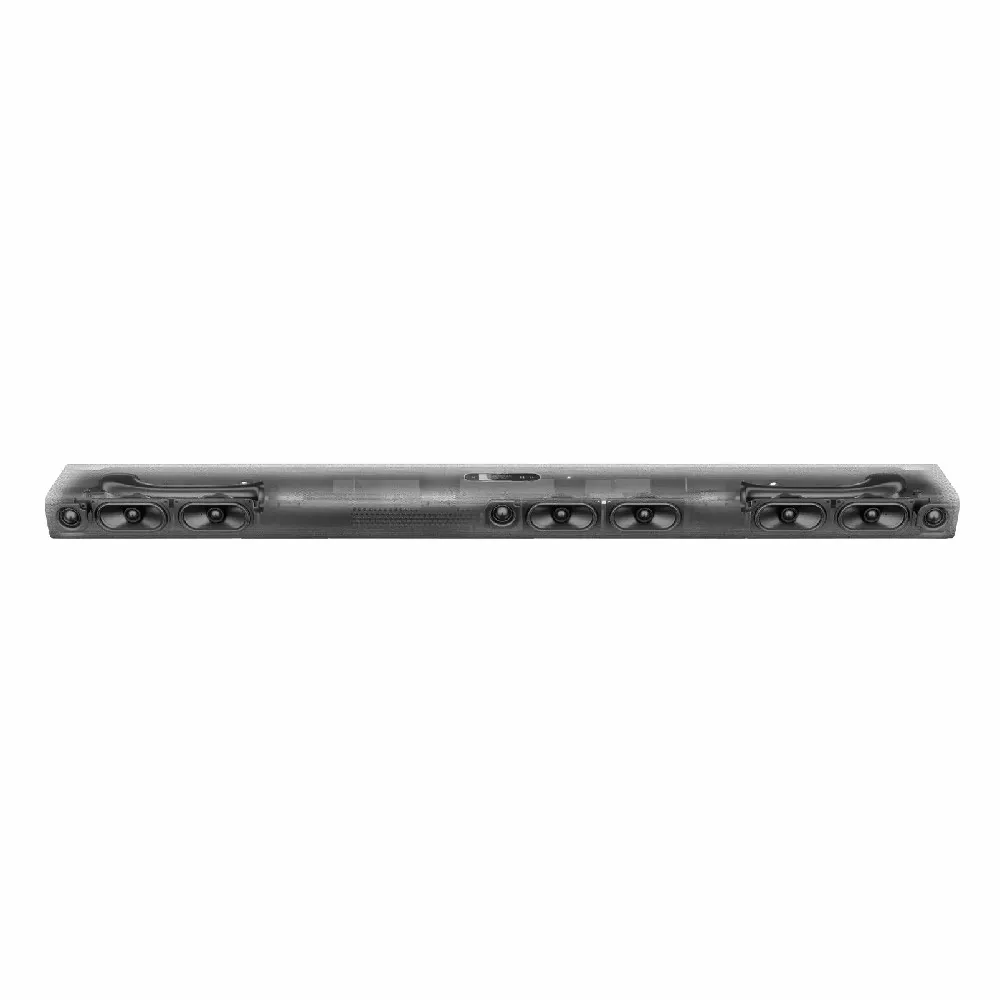
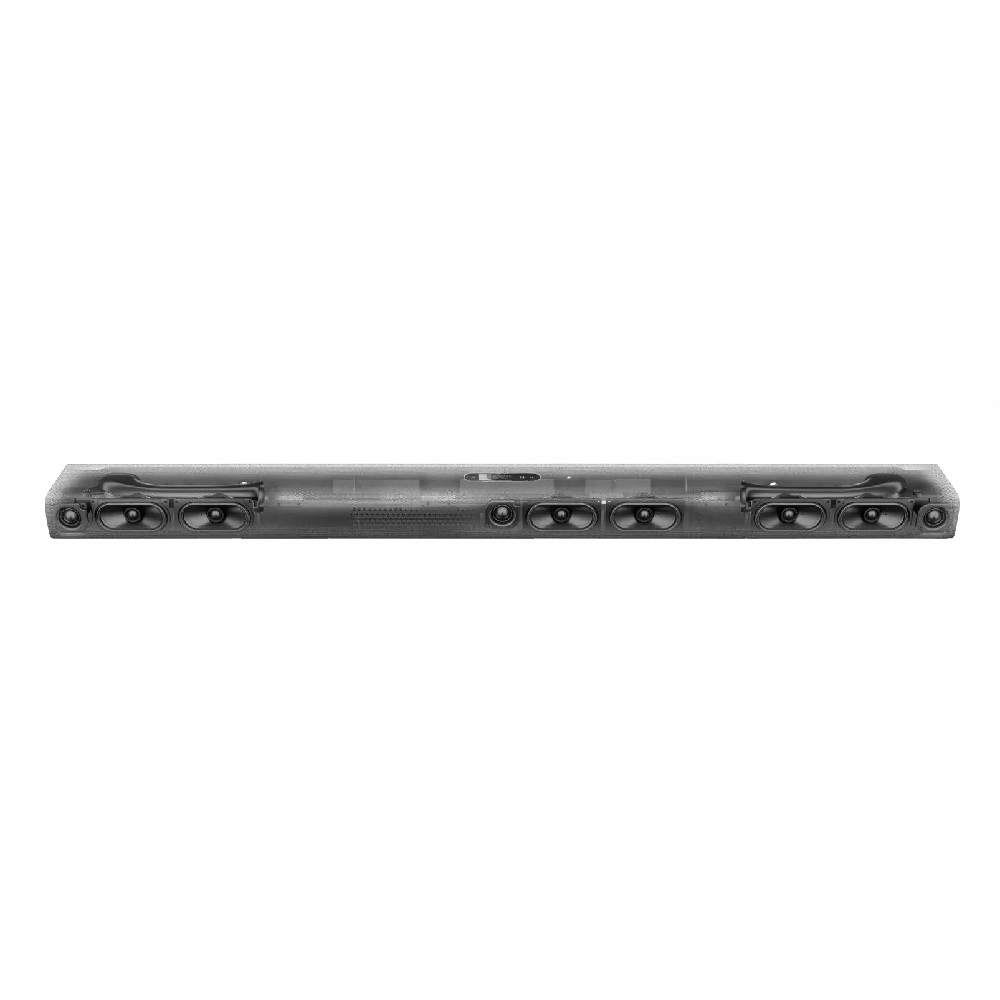
Powered by Harman Kardon audio technology, the Citation Bar delivers vivid, crystal-clear sound with powerful bass. The speaker system is intelligently engineered to provide an impressive 3D surround sound experience, allowing you to fully immerse yourself in a world of authentic audio.
 Detailed Information: Harman Kardon Citation Bar
| Category | Details |
|---|---|
| Audio Quality |
– Output Power: 150W RMS – Audio Technology: Harman Kardon Signature Sound |
| Connectivity |
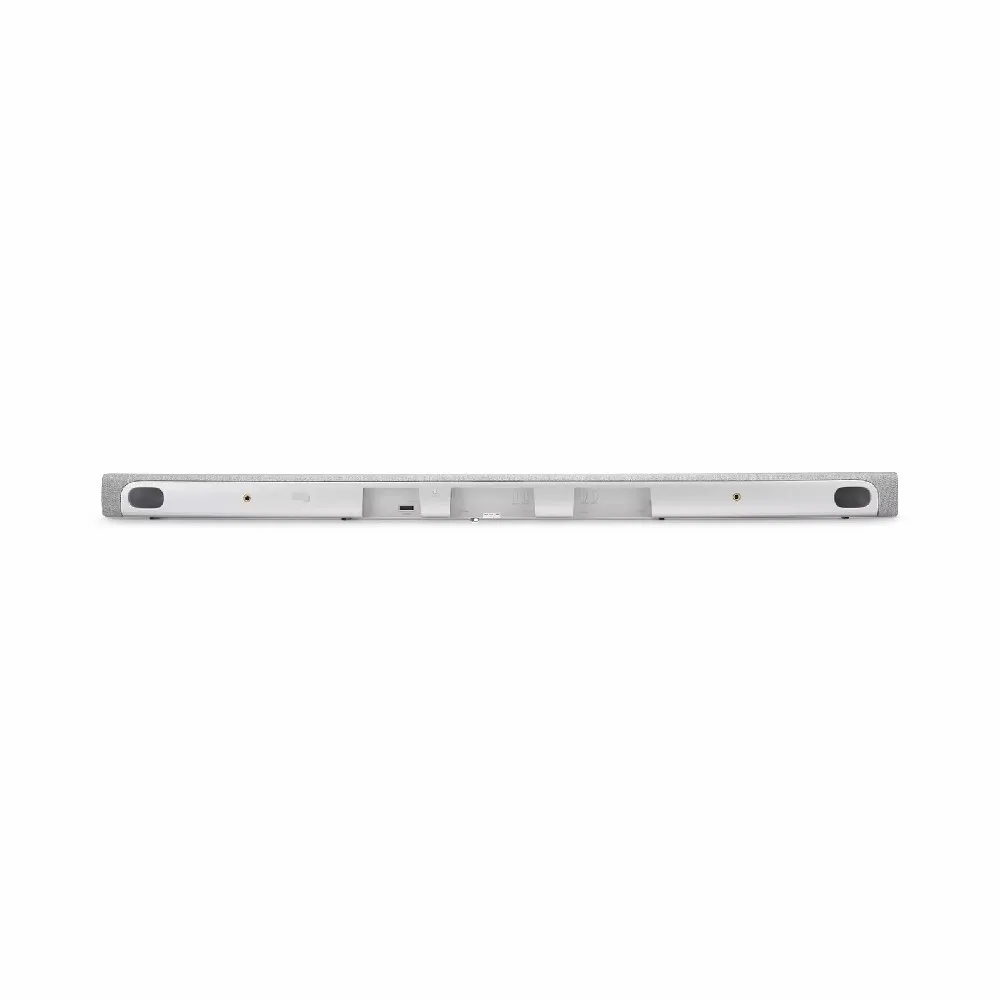
– Bluetooth: 4.2 – Integrated Wi-Fi: Supports Chromecast, Apple AirPlay 2 – Ports: HDMI ARC, Optical, AUX |
| Control Features |
– Direct touch control panel – Control via Google Home app – Voice control via Google Assistant |
| Power Saving | – Enters Standby mode when inactive |
| Accessories |
– HDMI Cable – Power Adapter – User Manual |
Technical Specifications
| Technical Specs | Details |
| Dimensions | 1150 x 64 x 115 mm (Length x Height x Width) |
| Weight | 3.9 kg |
| Front Finish | Premium Kvadrat Fabric |
Outstanding Highlights of the Harman Kardon Citation Bar
-
Luxurious Design: Featuring premium Kvadrat wool fabric, the Citation Bar is not just a speaker but a beautiful piece of interior decor.
-
Vivid 3D Surround Sound: Harman Kardon surround sound technology delivers a lively audio experience, perfect for both movies and music.
-
Smart & Diverse Connectivity: Supports Chromecast, Apple AirPlay 2, and voice control via Google Assistant, making it easy to manage and enjoy your audio.
-
Easy Control via Google Home: You can effortlessly adjust volume, select tracks, and configure the speaker remotely using the app.
User Guide: Harman Kardon Citation Bar
Step 1: Startup and Connection
-
Power Up: Connect the power adapter to the Citation Bar and plug it into an electrical outlet.
-
HDMI Connection: Connect an HDMI cable from the Citation Bar to your TV to transmit audio.
Step 2: Bluetooth Connection
-
Activate Bluetooth: Press the Bluetooth button on the speaker to enter pairing mode.
-
Pair Device: Open Bluetooth settings on your phone, find, and select "Citation Bar" to connect.
Step 3: Wi-Fi Connection
-
Download Google Home: Use the Google Home app to set up the Citation Bar via Wi-Fi.
-
Connect Streaming Services: You can connect to music streaming services via Chromecast or AirPlay 2.
Step 4: Voice Control
-
Setup Google Assistant: Use Google Assistant to control volume, play/pause music, and access other functions using voice commands.
Warranty and Offers at VuaLoa
-
Warranty Policy: 12-month genuine warranty for the Citation Bar.
-
Flexible Payment: Installment plans via credit card, Nationwide COD (Cash on Delivery).
-
Special Offer: 5% discount for returning customers.